+91 96258 92767 techsoftsecuritysystems@gmail.com Free Delivery on Orders Over ₹3,999
All Products IP Cameras Dome Cameras Bullet Cameras PTZ Speed Dome Cameras WiFi & 4G Smart Cameras NVR (Network Video Recorders) DVR (Digital Video Recorders) Surveillance Storage & SD Cards
Home Security Guides & Knowledge NVR vs DVR: Choosing the Right 24/7 Security Video Storage Architecture
STORAGE ARCHITECTURE Verified CCTV Whitepaper 2026

NVR vs DVR: Choosing the Right 24/7 Security Video Storage Architecture

NVR vs DVR: Choosing the Right 24/7 Security Video Storage Architecture
TechSoft Official CCTV Lab • Practical Engineering Guide

Executive Key Takeaways

Essential points & practical takeaways for surveillance planning

  • NVRs receive pre-compressed digital video, enabling higher throughput and resolutions up to 4K/8K.
  • DVRs require analog-to-digital encoding chips on each physical BNC channel.
  • RAID 1/5/10 configurations on enterprise NVRs prevent catastrophic video loss if a drive fails.
  • Calculate hard drive capacity based on camera bitrate, frame rate (fps), and retention requirements (30 vs 90 days).

A video surveillance system is only as reliable as its recorded evidence. Whether you are running a retail showroom or managing a multi-acre manufacturing plant, understanding the fundamental differences between Network Video Recorders (NVRs) and Digital Video Recorders (DVRs) is crucial.

How NVR & DVR Processing Differs

The primary distinction lies in where the raw camera video is processed and encoded into digital video files:

In a DVR system, the camera sends raw analog signals across coaxial cables. The DVR chassis contains specialized ADCs (Analog-to-Digital Converters) and encoding hardware that process the signal into digital MP4/H.264 video before writing to the hard disk.

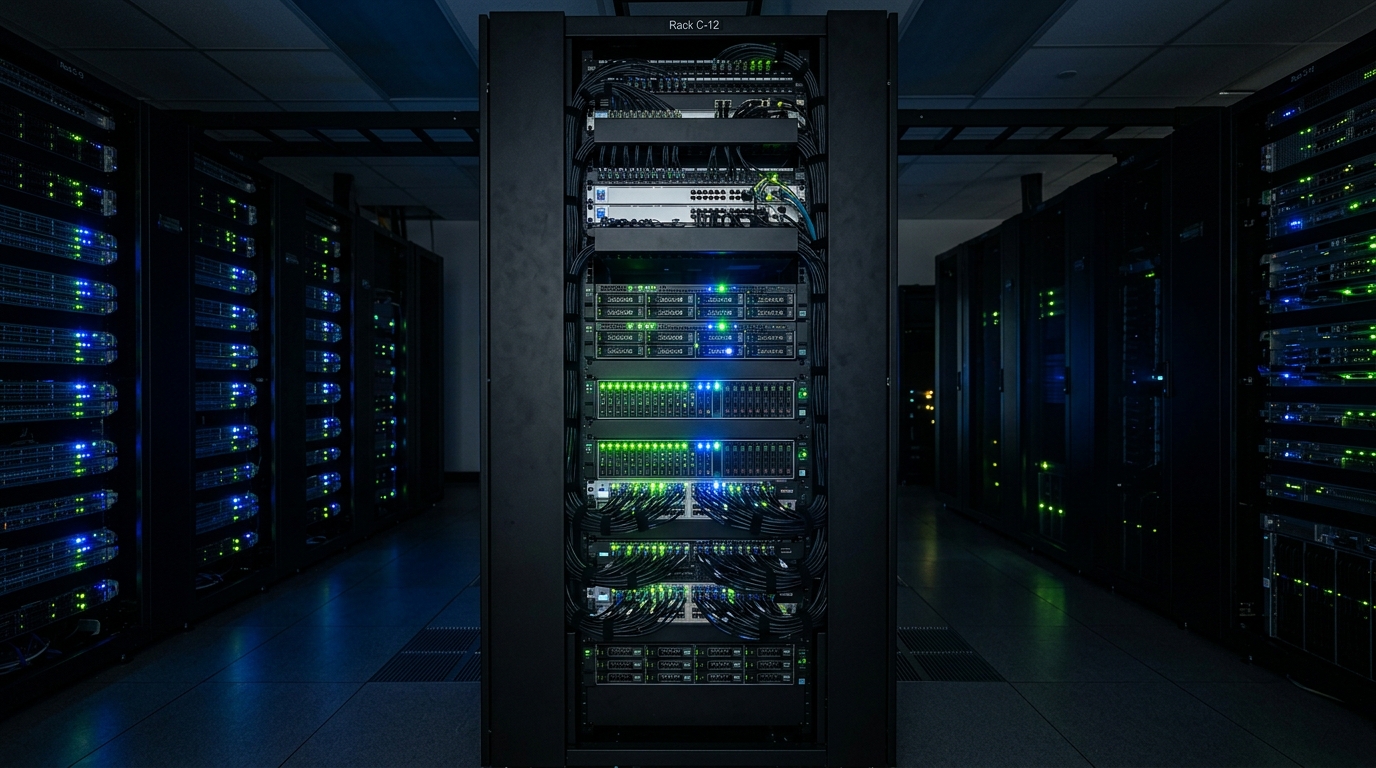
In an NVR system, every camera handles encoding independently. The NVR acts as a high-throughput network aggregation server and storage repository, receiving ready-to-store IP video packets.

Parameter Standard DVR Enterprise NVR
Input Connectors BNC Coaxial Ports (4, 8, 16, 32) RJ45 Ethernet (Direct PoE or Switch)
RAID Redundancy Rarely Supported (Single/Dual SATA) RAID 0, 1, 5, 6, 10 Supported
Max Storage Capacity Up to 10TB - 20TB (1-2 SATA Bays) Up to 128TB+ (4, 8, 16 SATA Bays)
Network Bandwidth Standard 100Mbps Ethernet Dual Gigabit LAN / 10G SFP+ Ports
Storage Sizing Formula

For calculating hard drive size: Storage (GB) = (Bitrate in Mbps × 3600 × Hours per Day × Days × Cameras) ÷ (8 × 1024). With H.265+ at 4MP (2560×1440) @ 15fps, expect approximately 15-20GB per camera per day.
Er. Amit Sharma

Enterprise Video Storage & Cloud Architect
Verified Author

Authored and reviewed by certified video surveillance engineers at TechSoftGroups with over a decade of deployment experience across 1,000+ government, retail, and commercial security installations across India.

Share this Security Whitepaper:
Article link copied to clipboard!

Your Security Cart (0)

Your Cart is Empty

Add security products to view them here.